

7 Ways to Improve Speed of Your Current Router

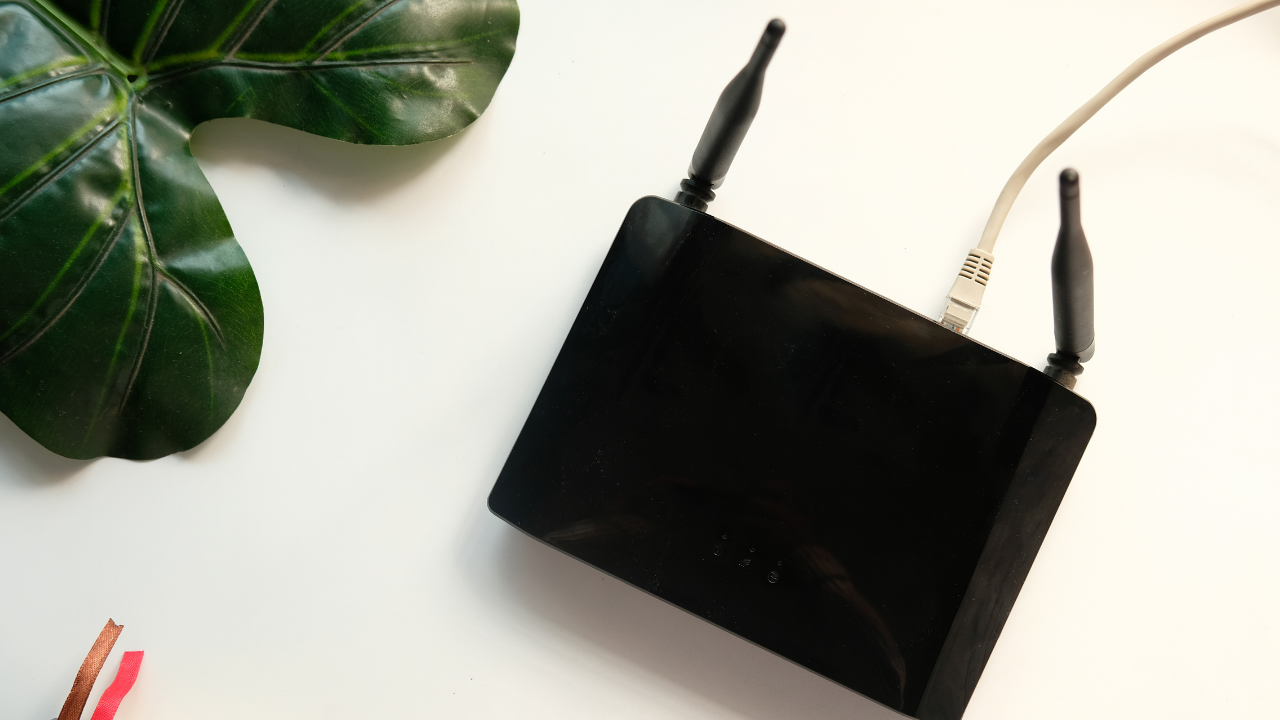
Who isn’t annoyed by slow internet connections? One can always find a solution to his problems simply by making an effort to Google it. I suppose you have followed the same path and landed here, and I reassure you your next few minutes will not be wasted.
Below mentioned are some of the quick and easy ways to improve your router performance for faster connections.
1. Optimal placement of router and antennae adjustment.
Find the ideal place for your router at home, where it is not blocked by furniture, walls, and other obstacles. The best placement for a router is on an elevated spot far from other electronic devices which have wireless connectivity.
Check if its vents are not blocked by any books or walls which may cause overheating, thereby depreciating its performance. If your router has one antenna make sure it is always upright for maximum coverage. In the case of two antennae, one must stay upright and the other horizontal. This ensures there is coverage throughout your home.
You can also use an extender or a repeater to strengthen Wi-Fi signals over larger ranges.
2. Limited device connections and settings optimization.
The main goal here is to reduce unnecessary bandwidth consumption. Make sure to limit background updates and downloads and change the Quality of Service (QoS) setting of the router to prioritize bandwidth usage for a more important process.
For example, prioritizing your work calls over downloading movies and shows in the background. If the router has manual QoS settings configuration, make sure it’s set to the right configuration by logging in to the admin panel using the web interface.
You can also change the channel distribution of the bandwidth to increase speed. If your router is a dual-band router, you can make use of the extra 5GHz band for connecting other devices. This will subdue network traffic.
3. Rebooting router regularly
Most of the old model routers do not reboot automatically whereas the newer ones have automated reboot options. Rebooting the router revives a dead internet connection. In case you own an older model of router you can install external firmware such as DD-WRT to schedule an automatic router reboot every day. You can set a suitable time that does not interrupt your usage schedule to automate router reboot, and you’ll hardly come across any dead connections any more.
4. Updating wifi security and removing older protocols.
It’s very crucial to have a secure network connection that is private and inaccessible from the outside. This can be done simply by protecting the network with a strong password which is not easily guessable. You can use this guide on IP login panel access to log in to your router admin page and configure settings.
Additional ways include using a virtual private network (VPN). VPN completely encrypts the data transferred and received between the user and the referring website, and no one else can view or access the data. Secure connections are always fast as there is no bandwidth leakage and noise.
Disabling older wireless protocols is one of the most responsive ways to increase router connection speeds. New routers run on the 802.11ac protocol which offers higher performance compared to any of the ISP routers which use 802.11g or 802.11b protocols.
5. Installing external firmware and Antenna
Most router settings have been set to default options which are optimal for the consumer’s daily requirements. This is advantageous to most users, but sometimes you can always dig deeper and customize the settings according to your need.
You can install additional firmware for popular routers like Netgear, D-Link, and TP-link. Some of the widely used third-party firmware which is open source include DD-WRT, OpenWRT, and Tomato. All these customizations can be done only to store-bought routers and modems. In case you want to continue using the hardware provided by your Internet Service Provider (ISP), you can try other options mentioned to speed up your router.
The basic router provided by your ISP has a very poor connectivity range due to a lack of quality antenna. You can add external antennas which drastically increase your connectivity range, thereby speeding up connections.
6. Update Wi-fi drivers of your PC
Sometimes, poor connections arise due to the inefficiency of the hardware on the other end. You can update drivers related to Wi-Fi and wireless connectivity in your PC, simply by going to the device manager in the control panel of your pc. High-end users can try downloading newer drivers directly from the router manufacturers.
7. Re-assign existing channels
The frequency of the radio waves used by the router to transmit and receive data is distributed into many channels. A person living in a developed area can experience relatively weaker Wi-Fi connections. This occurs due to spectral congestion as other Wi-Fi routers might be using the same channel.
To help to choose the right channel for your router you can download free Wi-Fi analyzer apps such as Vistumbler or iStumbler for windows and Mac respectively. This displays the current channel your router is using and also the optimal channel which it must use to maximize speeds.
Most ISP-provided routers are basic 2.4GHz routers that have higher channel congestion. The newer routers with 5GHz have fewer overlapping channels which makes them attain higher speeds.
These changes will mostly help users with older models of the router, as the newer ones are optimized and automated to choose the right channel.
Written by Guest Author
Tech enthusiast and content creator at Techcopes. Passionate about productivity, software tools, and the latest web technologies.
Comments 9

I was very upset because my wifi was running so slow, then I read this content and applied this 7 way which made my wifi speed very good. Thank you so much for sharing this helpful content.

Slow Internet is a peeve of numerous, especially when you ’re trying to get some work done or catching up with a friend from the other side of the world. But before you yell or assault your computer and slam on the keyboard or that mouse, we suggest you take a deep breath and try out these hack. 🙂 this is awesome thank for this info.

Hi Rahul,
Your tips are valuable and practically useful. It’s important to restart, change the password periodically and update the latest firmware of the device for better performance.
Thank you.

I love your article sir its amazing Rahul sir. The basic router provided by your ISP is to good

Ah, I was always finding a way to increase my wifi’s speed, but I finally found it today.
Thank you very much Rahul sir for such a valuable content.

Hey, I usually don’t comment on the blogs but I must say you have done a great job. Thanks for sharing this valuable information on the blog.

Really nice and useful info. Plus, I think the style and design of your site is great.

Love the article

Ah, I was always finding a way to increase my wifi’s speed, but I finally found it today.
Thank you very much Rahul sir for such a valuable content.
Related Stories

The Small Tech Tweaks That Make a Big Difference
It’s easy to think that fixing a sluggish phone or laptop means dropping a ton of cash on a brand-new device. Sure, buying new hardware works, but you’d be surprised by how much life you can squeeze out of your current gadgets just by tweaking a few settings. Spending just a few minutes digging into […]


How to Get More Out of the Devices You Already Own
A strong urge to replace smartphones and laptops often strikes the moment a newer model arrives at the local electronics store. Vast amounts of money flow into advertising campaigns designed to convince buyers that their current gadgets are hopelessly obsolete. However, the devices sitting on desks right now still possess an enormous amount of computing […]

Why An Affordable eSIM Makes Sense For Smart Travelers
Careful plans for foreign tours bring excitement, long checklists, and important travel decisions. Travel eSIMs offer real convenience through digital setup and fast mobile data access abroad. Strong connectivity and steady data access keep maps, messages, and bookings within reach overseas. An affordable travel eSIM delivers practical data solutions without extreme roaming charges abroad. This […]

How to Make Your Devices Work Better for Your Routine
We all rely heavily on our computers and smartphones just to get through a normal day. But, it often feels like we are the ones adjusting our daily habits to suit our technology, rather than the other way around. If you want to make your devices work better for your routine, you have to take […]

How to Design Social Media Posts Quickly: A Practical Guide for Fast, High-Quality Content
Designing social media posts quickly is a common challenge for creators, marketers, and small teams. Deadlines are tight, trends move fast, and visual quality still matters. The best way to speed up your workflow is to combine simple design systems, smart tools, and repeatable processes. When done right, you can create scroll-stopping posts in minutes […]

I Didn’t Throw Away That Old Xbox Gift Card And You Shouldn’t Either
A couple of months ago, I was helping my roommate clean out his laptop before selling it. We were deleting old accounts, clearing browser history, and wiping saved passwords. That’s when he pulled up an email from 2022 with the subject line: “Your Xbox Gift Card Is Ready.” He laughed. “Oh yeah, my aunt gave […]